
|
Detailed overview of disk space, eliminate wasted disk space, tidy up those duplicate MP3s, pictures and other system-wide files, capture disk states and compare, generate reports, schedule cleanups, manage boot blocks for multiboot, surfe safely, cookie manager, UNC monitoring...[More] |

|
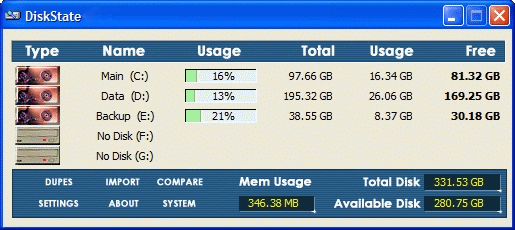
Brief overview of your system.
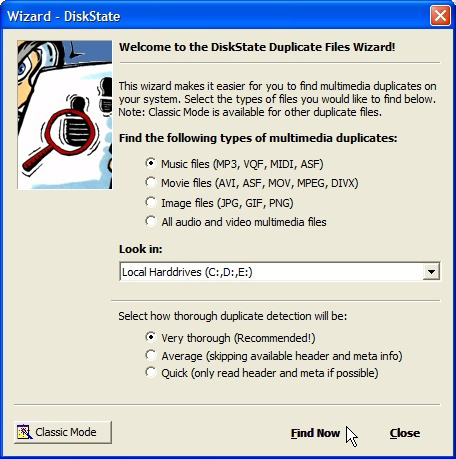
Use a wizard to spot multimedia duplicates.
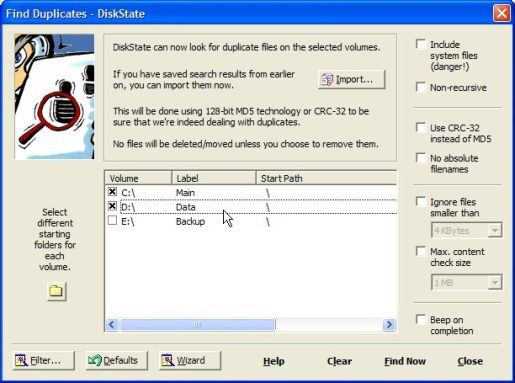
Select volumes to check for duplicates.
Here are the search results.
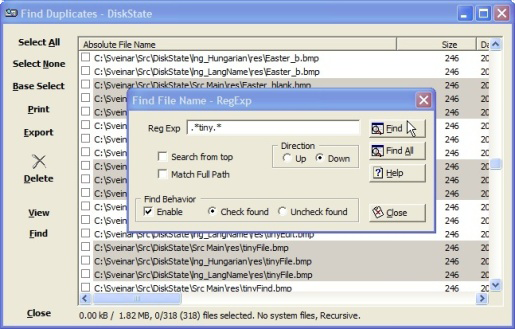
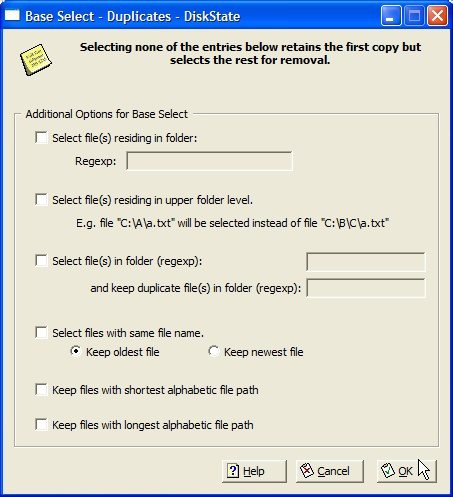
Instruct DiskState to preselect duplicates for you.
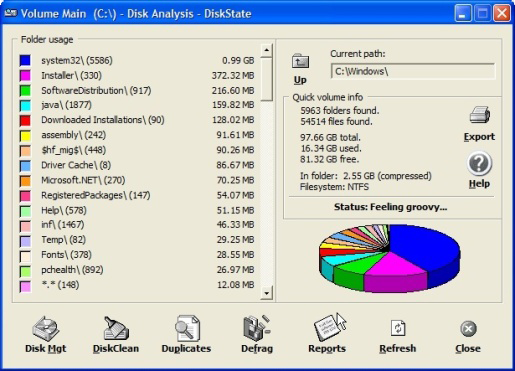
Get to know where those hogs are located.
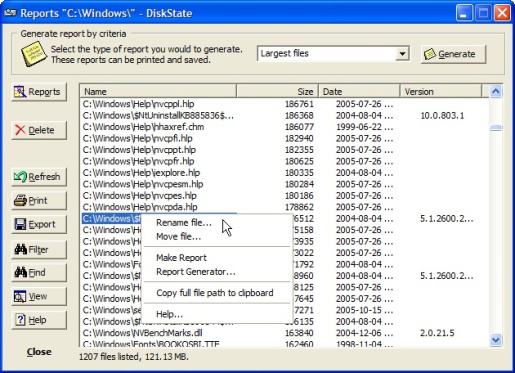
Generate a set of reports, or create your own customized ones.
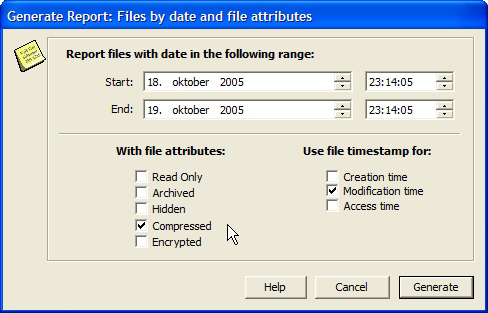
Find those files archived in a specific time period.
Use a wizard to spot multimedia duplicates.
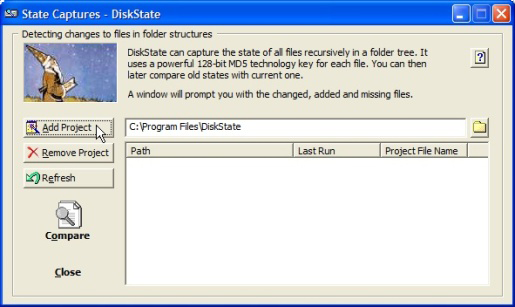
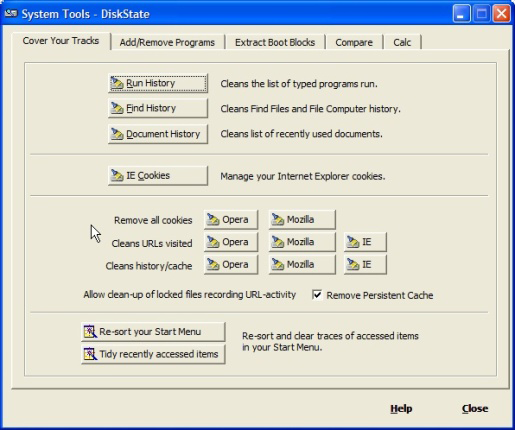
Delete traces and information left behind when surfing.
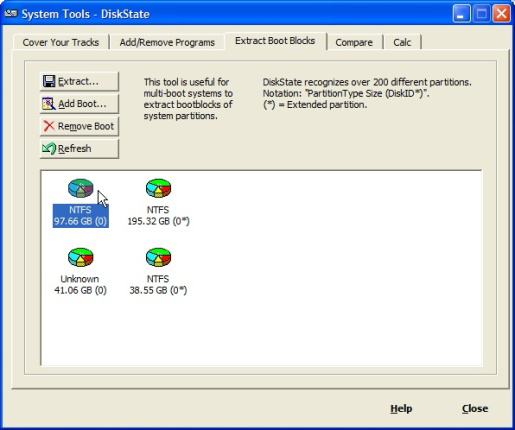
Need to boot that Linux system
but don't have boot disk?
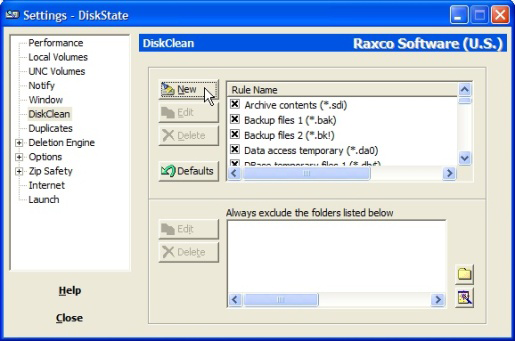
Create your own rules, enable or disable rules for cleaning.
DiskState has a few options to choose from.
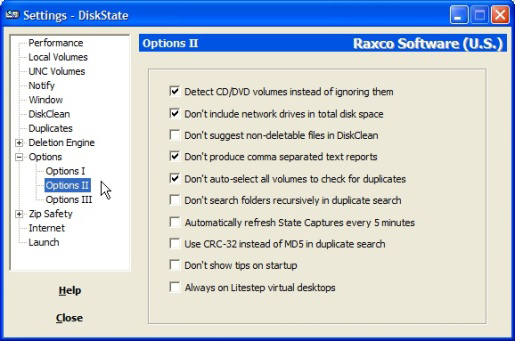
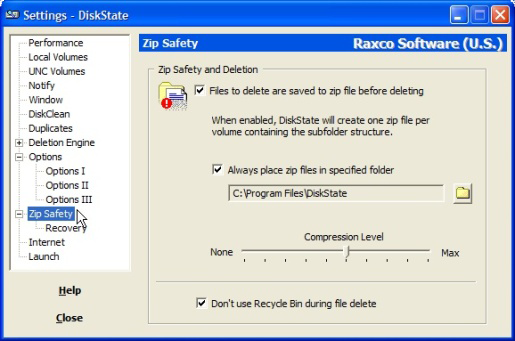
Safely "delete" files just in case - better safe than sorry.
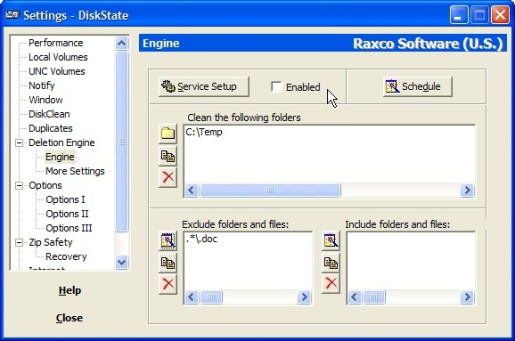
Schedule cleanup with the deletion engine.
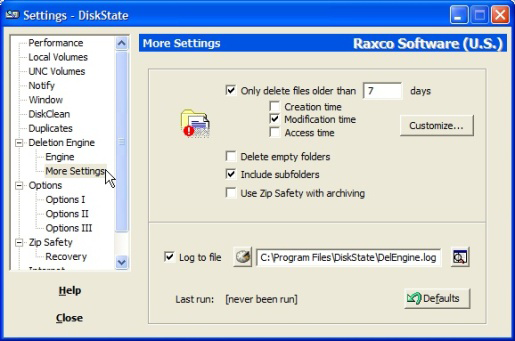
More settings on the deletion engine.

| © 1999-2021 - Geekcorp Software, All rights reserved. | Legal | Privacy | Contact |